Onboarding a frontline workforce that mostly learns on a phone
One core course, three application groups, and a set of design decisions made before anything got built.
A private, people-centered client
1. What they had
A private client with a frontline workforce and one person accountable for training.
They had years of live workshop material. Decks, facilitator notes, exercises, and a set of scenarios their own staff had written out of real situations. It was good material and there was a lot of it. None of it was online.
Every new hire waited for the next session to come around. They wanted the foundation running on its own, so the room could be saved for the things that actually need a room.
2. What was in the way
The audience was the constraint, not the content.
These are frontline roles. A wide spread of reading levels, a wide spread of comfort with technology. Most people would take this on a phone, standing up, in gaps between other work. Some would take it on a shared desktop that half the site logs into.
The roles inside that workforce are genuinely different from each other. What a hard moment looks like in one job doesn’t resemble a hard moment in another. Write one course that speaks to none of them and you get a compliance exercise nobody remembers. Write one per role and you get a program the client can’t afford to maintain.
And one person had to approve all of it, collect every opinion in the building, and still be the one who signed.
3. The decisions
Every storyboard approved before anything got built
Not module by module. All of them, on paper, in one pass.
Modules written weeks apart drift. The terminology moves, the tone moves, the same idea gets explained twice in two different ways, and nobody notices until it’s assembled. Reading them side by side is the only way to catch that, and you can only read them side by side if they all exist.
It costs a longer stretch before anything looks like a course. That’s the trade. What you get is that nothing has to be pulled apart afterward.
Three application groups, not one course per role
I clustered the roles by what the work asks of them, not by what they’re called on an org chart. Roles that face the same kind of moment landed in the same group, whatever their job title says. Three groups covered the whole workforce.
That gave one core course, with the scenarios changing by group. Everybody is held to the same standard. Everybody still sees their own work in the examples. And the client maintains three sets of scenarios instead of a dozen separate courses, which matters more in year two than it does at launch.
No drag-and-drop, no hover states
A drag interaction that can’t be completed from a keyboard isn’t something to fix at the end. It’s something not to build.
Hover is the same problem twice over. There is no hover on a phone, and a screen reader never finds what’s hidden behind it. Most of this workforce was going to be on a phone.
Cutting both isn’t a compromise on the design. It removes the interactions that fail hardest for the people most likely to be taking the course.
Accessibility settled in the Course Plan
Before the build, in writing, as answers somebody can hold me to later.
How a person gets through the whole course on a keyboard. What a screen reader announces at every interaction. Whether video is captioned and transcribed. What each image has to say when nobody can see it. Whether color is carrying meaning on its own.
Those answers change what gets built. That is the entire reason they come first. Retrofitting produces a course that technically passes and is still miserable to use, and the people it’s miserable for are the people it was added for.
Completion gates on every module
Nobody moves past an activity without doing it. On a phone, in a hurry, the skip is very easy and very tempting, and the activities are where the learning is.
What came out
A full workshop’s worth of content. It was about judgment and discretion in the moment, and that belongs in a room with an experienced person in it, not in a self-paced module.
The group exercises came out too. Breakouts, the wall of sticky notes, live role play. They need other people present to work at all, and simulating them badly is worse than not doing them.
Several came back in another form, as branching scenarios or as short animated video. The rest stayed in the room, which is where they were always better.
4. What shipped
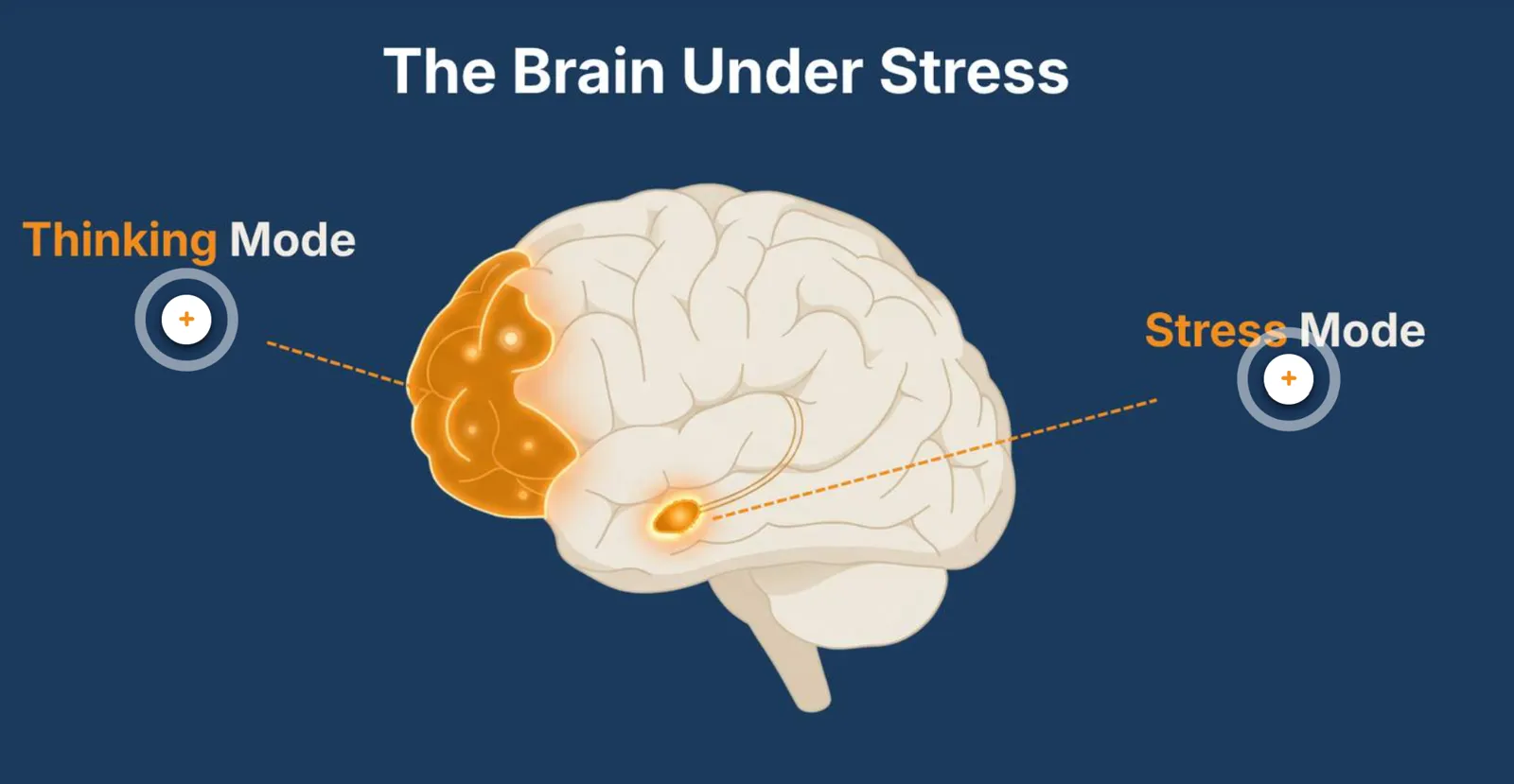
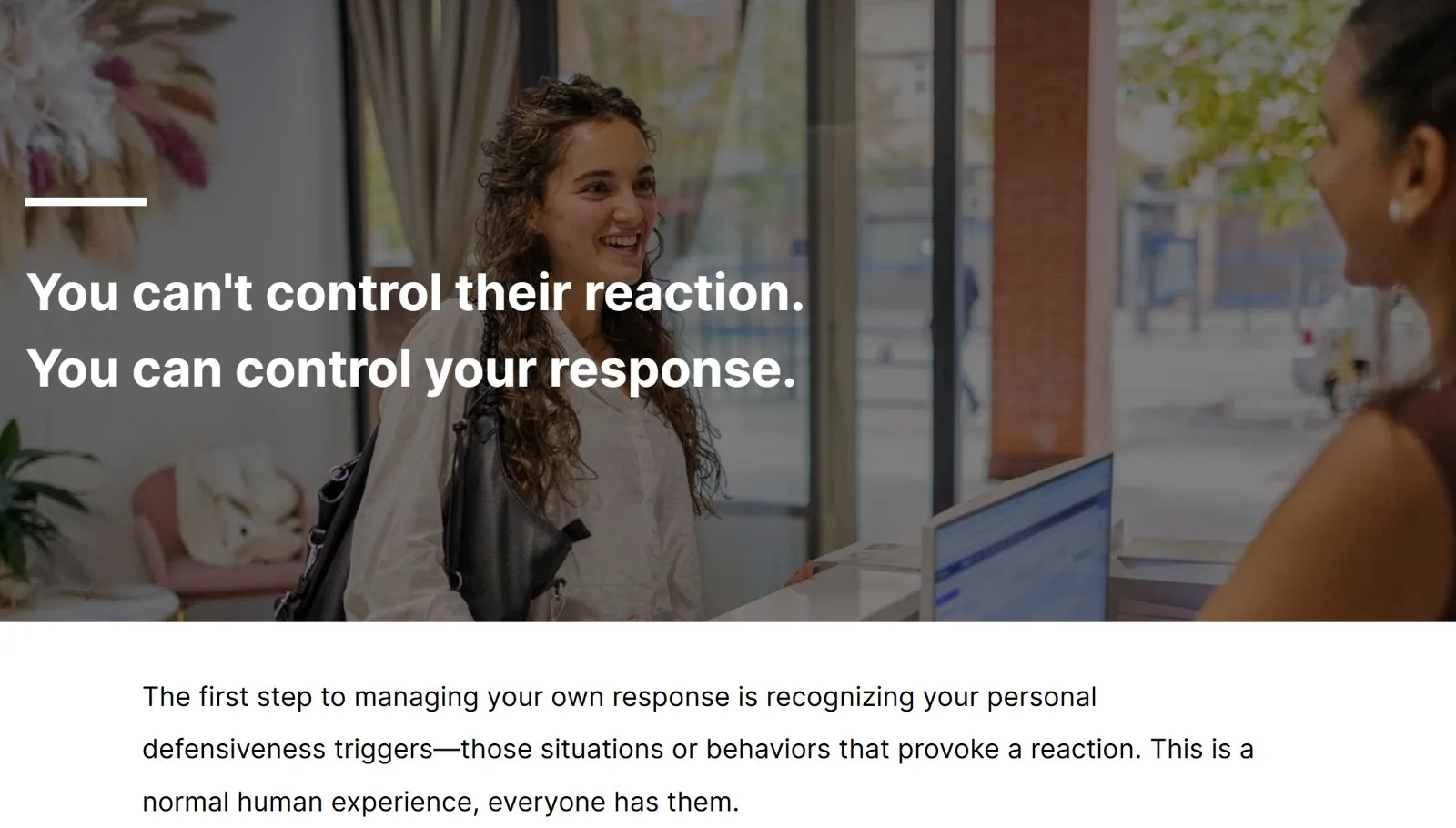
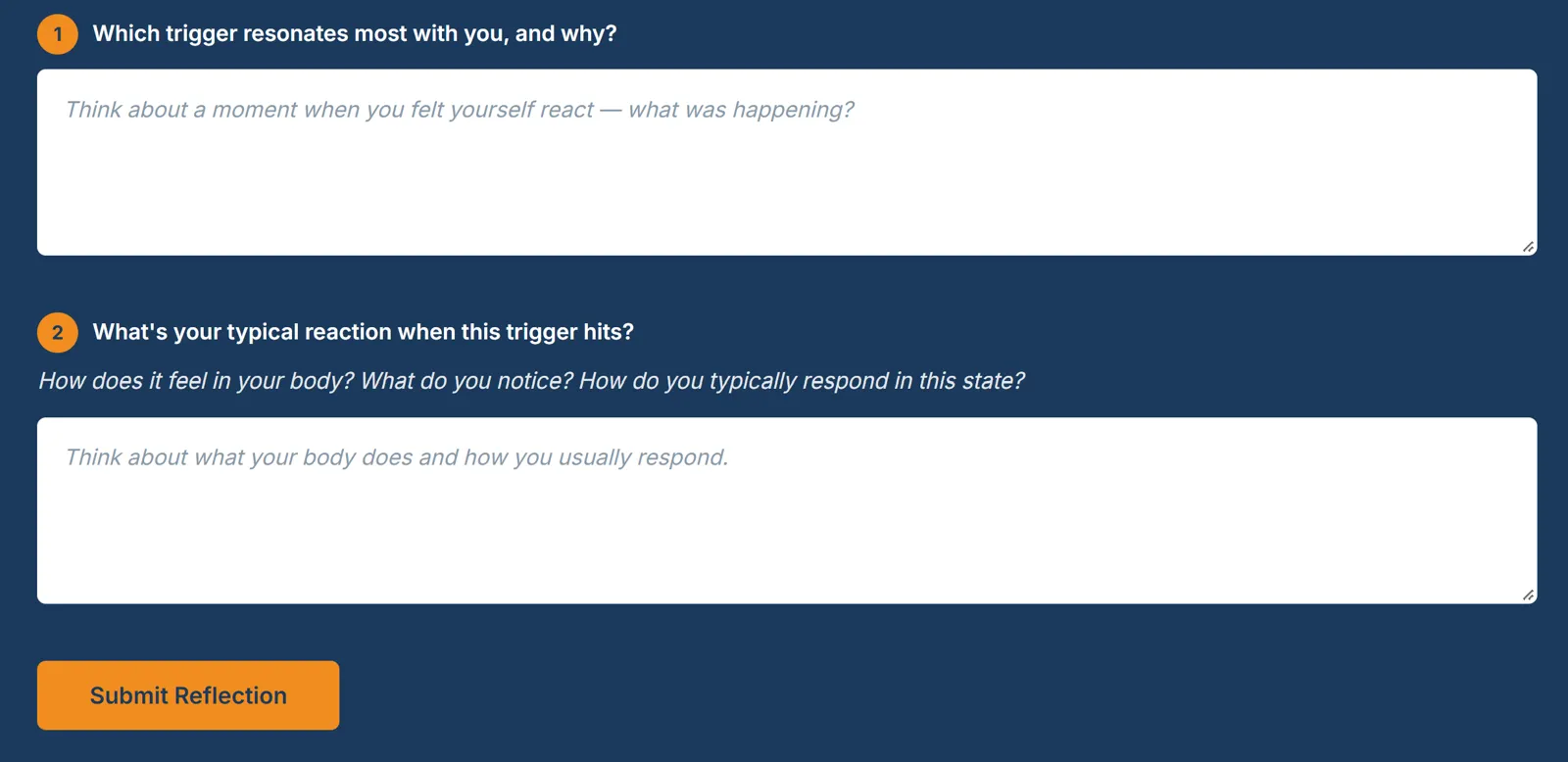
Three modules in Rise 360 with Storyline interactions, packaged for their LMS. Short animated video in each, captioned, with transcripts. Branching scenarios built per application group. A knowledge check before each module and an assessment after it. Custom graphics.
A short guide for the managers who have to reinforce this after the course is over, because the course doesn’t do that part.
Then the handover. Storyboards coded by how often each part is likely to need changing, every source file, every media folder. So the next person to touch it doesn’t have to be me.
5. What it produced
It shipped ahead of the date.
Reviewers went through the final build and had no changes. It went live and new hires started taking it.